Mandatory training, with a file for every course.
For training providers working with multiple companies. Record classroom and video conference attendance, document the final assessment and collect the evidence in one archive.
Centro Formazione Altavia
Akadia screenshot · demo data
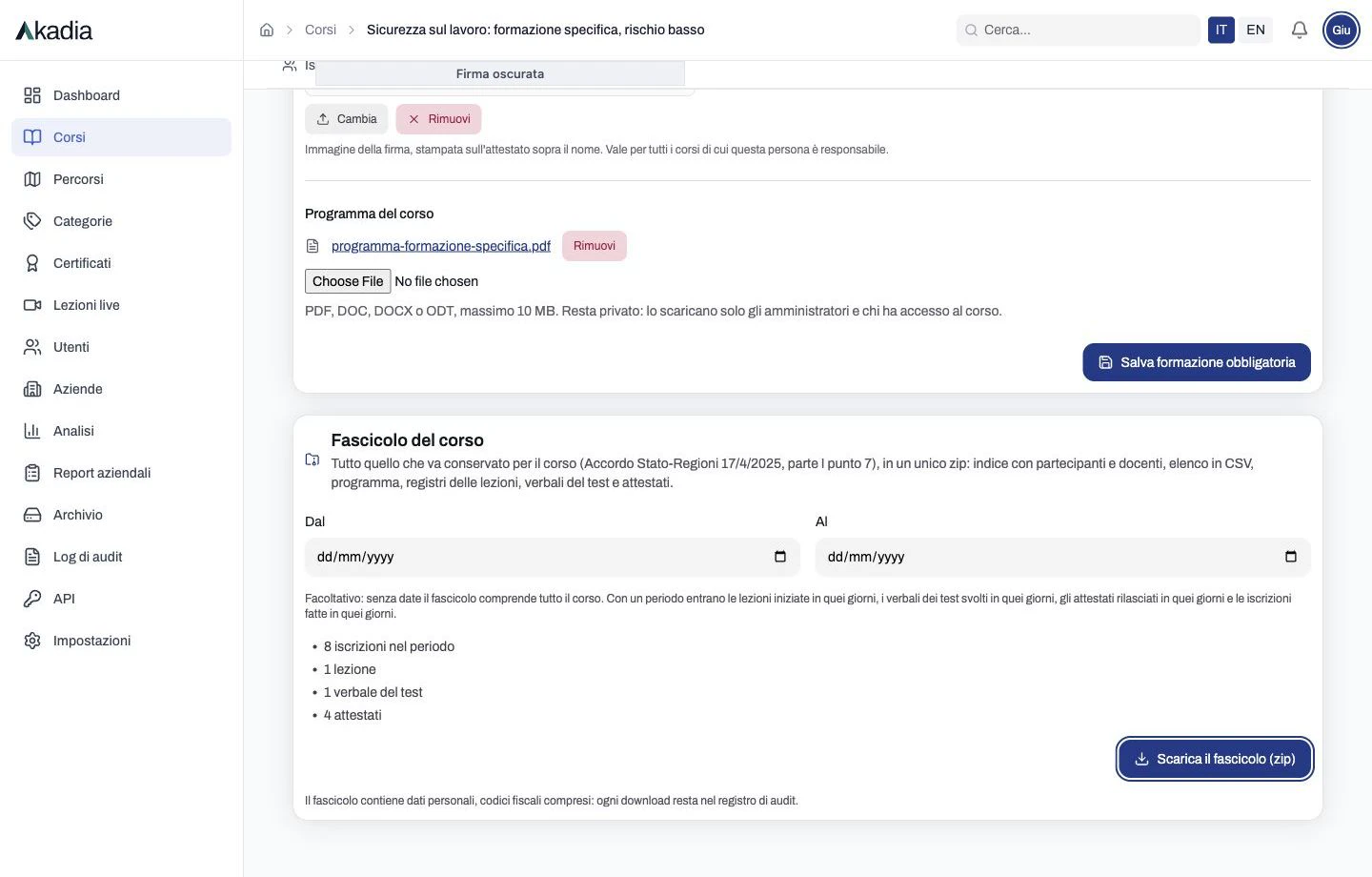
1 lesson · 1 assessment record · 4 certificates
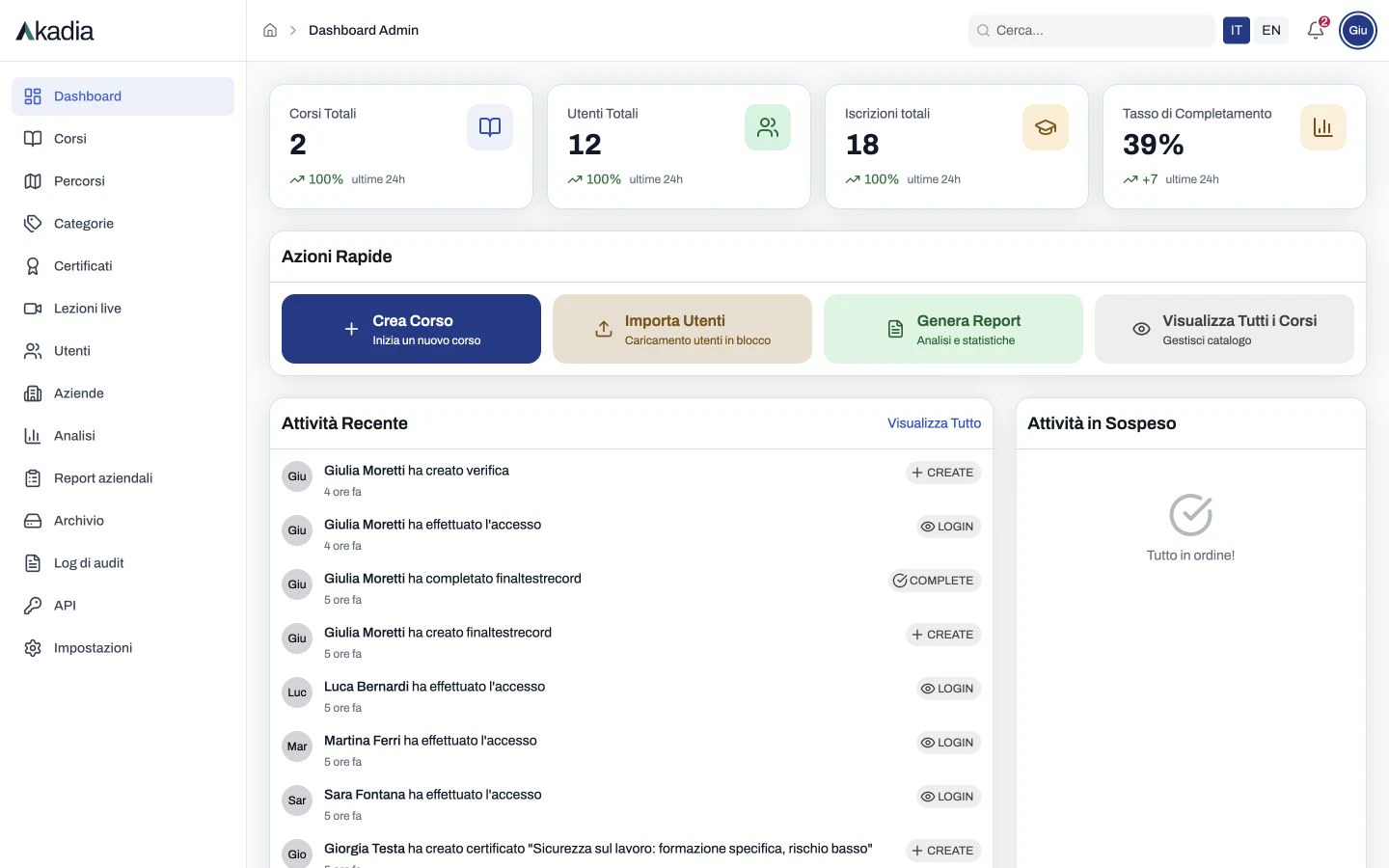
Manage client companies from one dashboard
Import participants, assign courses to client companies and check enrolments, completions and reports by company.
From attendance to the course file
Record attendance
Use QR, a code or roll call in the classroom. For video conferences, import a report from Zoom, Meet or Teams. The instructor reviews and closes the register.
Document the final assessment
The assessment record contains the results. The person in charge can view the PDF and include it in the course file.
Export the course file
Download the available registers, assessment records, syllabus and certificates. Check a certificate’s status online.
How you manage courses and companies
Akadia screenshots · demo data
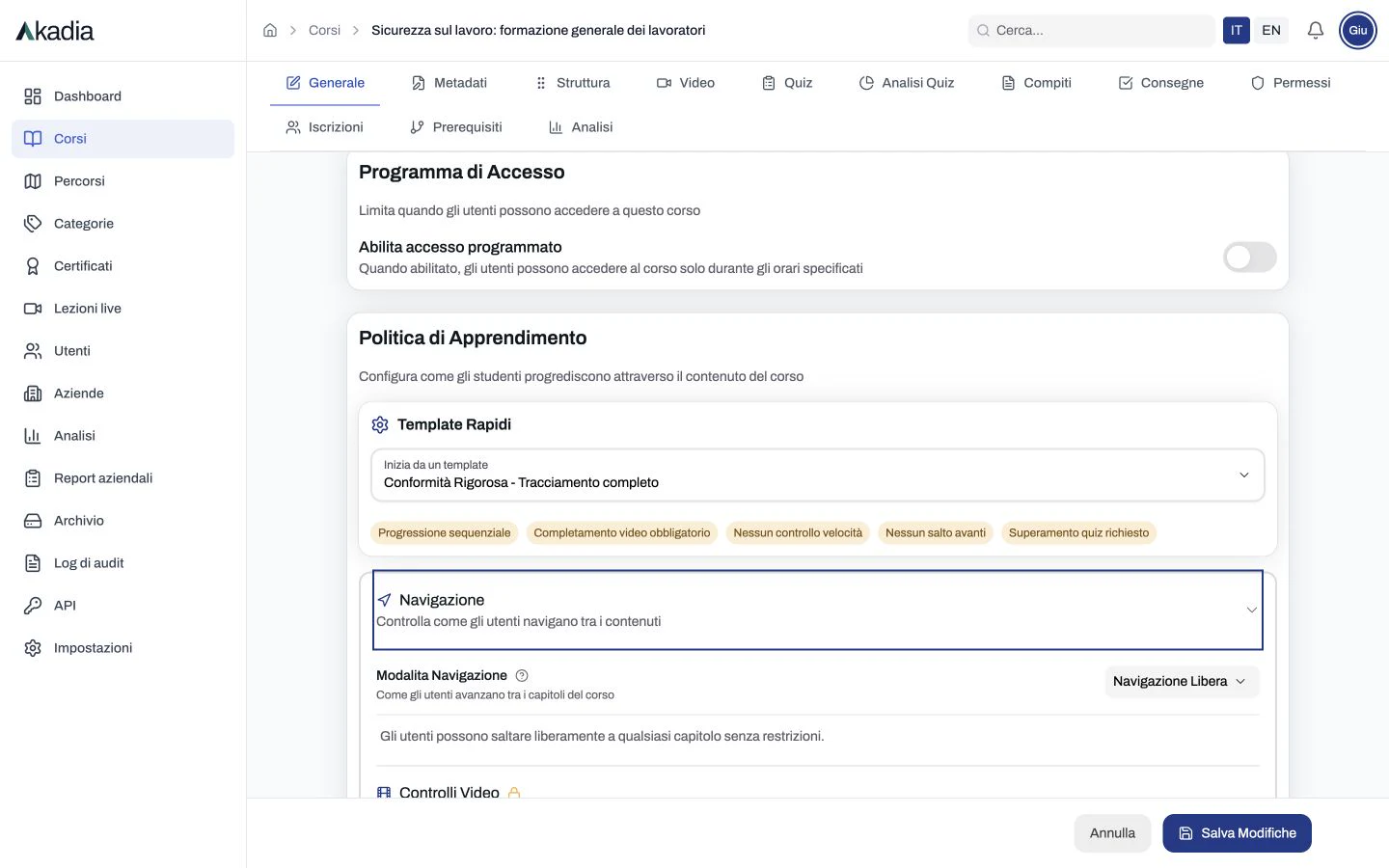
Course rules
Set a viewing sequence, restrict skipping ahead in videos and require an assessment before completion.
Learn more about course rules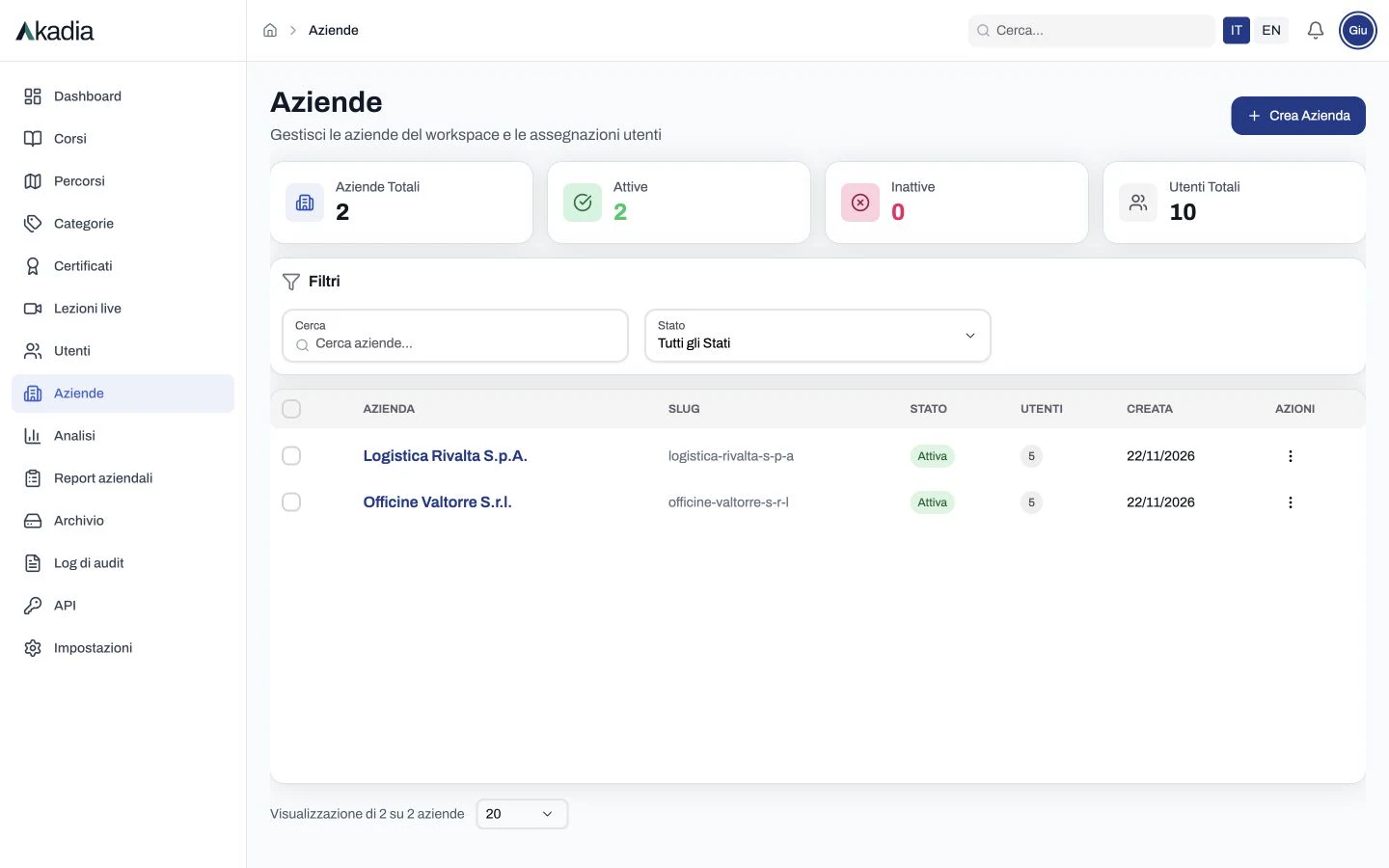
One company per client
Manage enrolments, assignments and reports by company in the same workspace.
Learn more about how clients are kept apart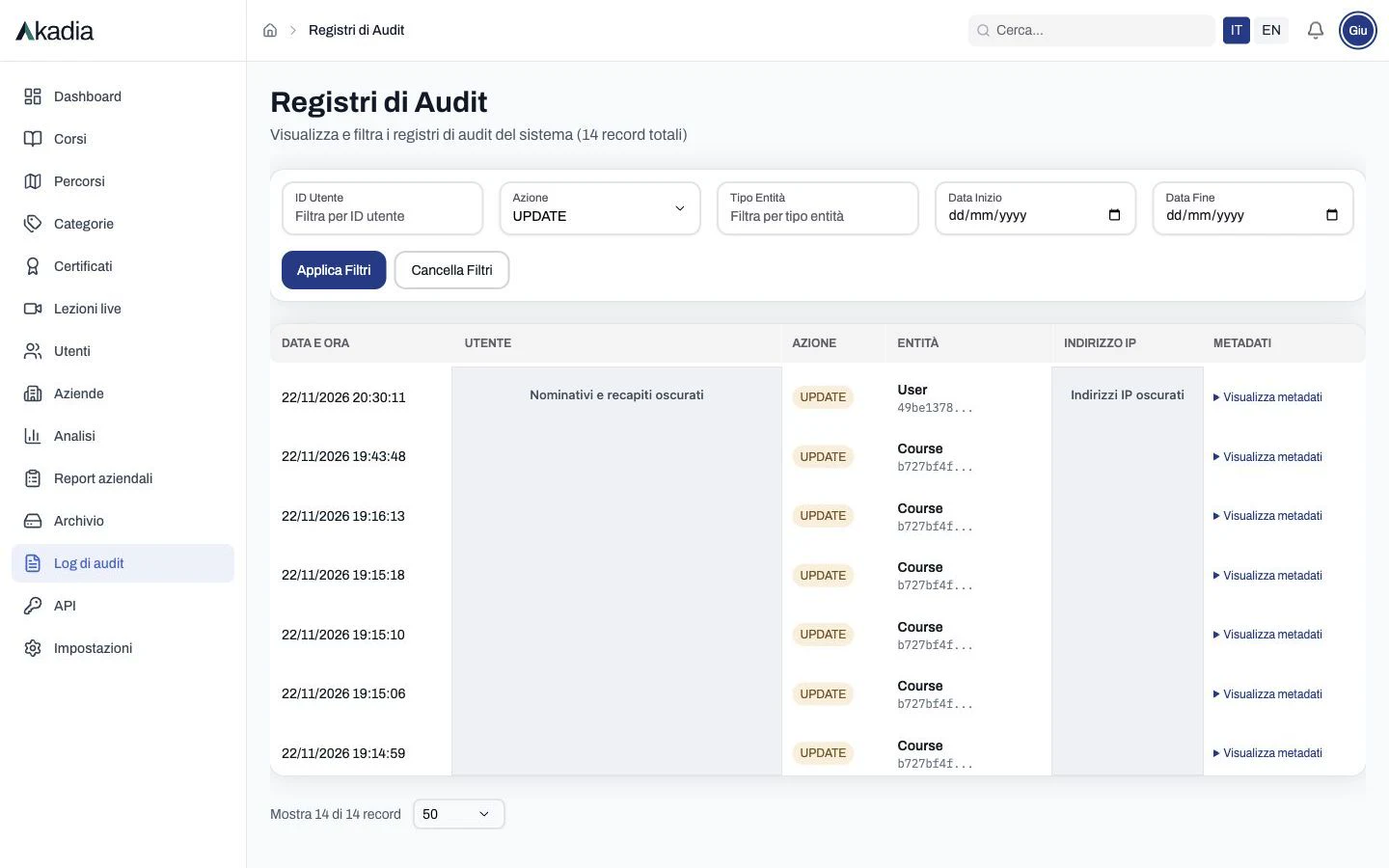
Activity log
See logged administrative actions, with the date, actor and item affected. Export options depend on your plan.
Learn more about the activity logWho uses Akadia
See how a course is closed
In the demo, we follow an example course from recording attendance to downloading the course file.