Guides and sample documents
Resources for training providers
Follow the steps in Akadia and explore the exported documents from the Altavia sample course.
Practical guides
Video conference attendance
Use the meeting report to check who met the attendance threshold and close the register.
Course file
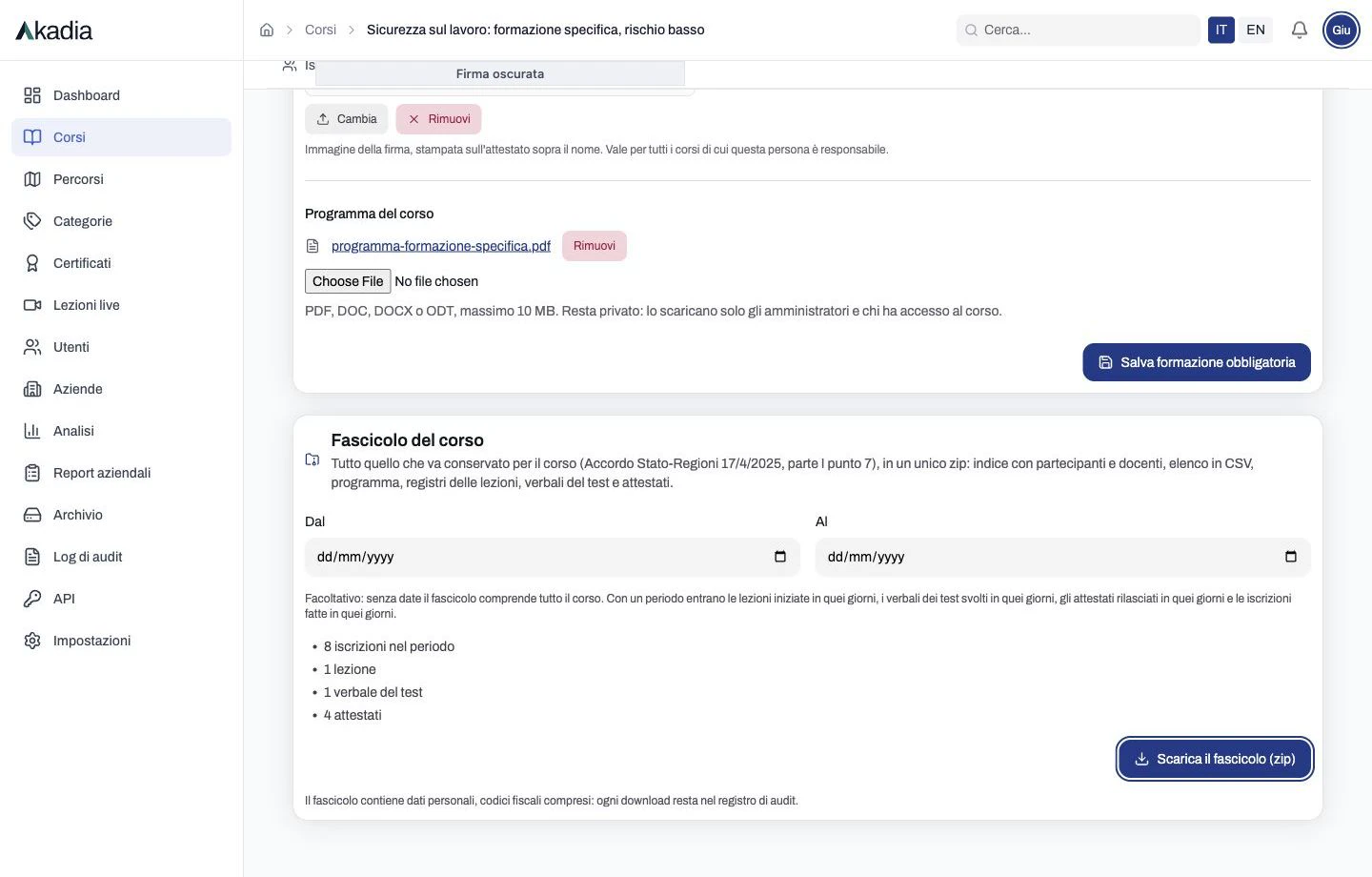
See who confirms the final test record, what goes into the ZIP and where you can verify a certificate.
SCORM migration
Upload a SCORM 1.2 or 2004 ZIP and use a learner account to check resuming, completion and scoring.
Inside the Altavia course file
The ZIP comes from a sample video conference course export. Personal details, signatures and verification references have been removed or replaced.
- Index, syllabus and learner list
- The index lists the documents. The syllabus describes the course and the CSV lists eight learners and their results.
- Attendance register
- See when learners joined and left, how many minutes they attended and who confirmed the register.
- Final test record
- Shows the results for the five people who took the test. Four passed.
- Four certificates
- One sample PDF certificate for each learner who passed the test.